
Charge to account
Tickets for account customers are charged to the account at checkout.
Hotels, restaurants and offices do not pay at the counter. Charge their tickets to an account, send one statement a month, and see who owes what.
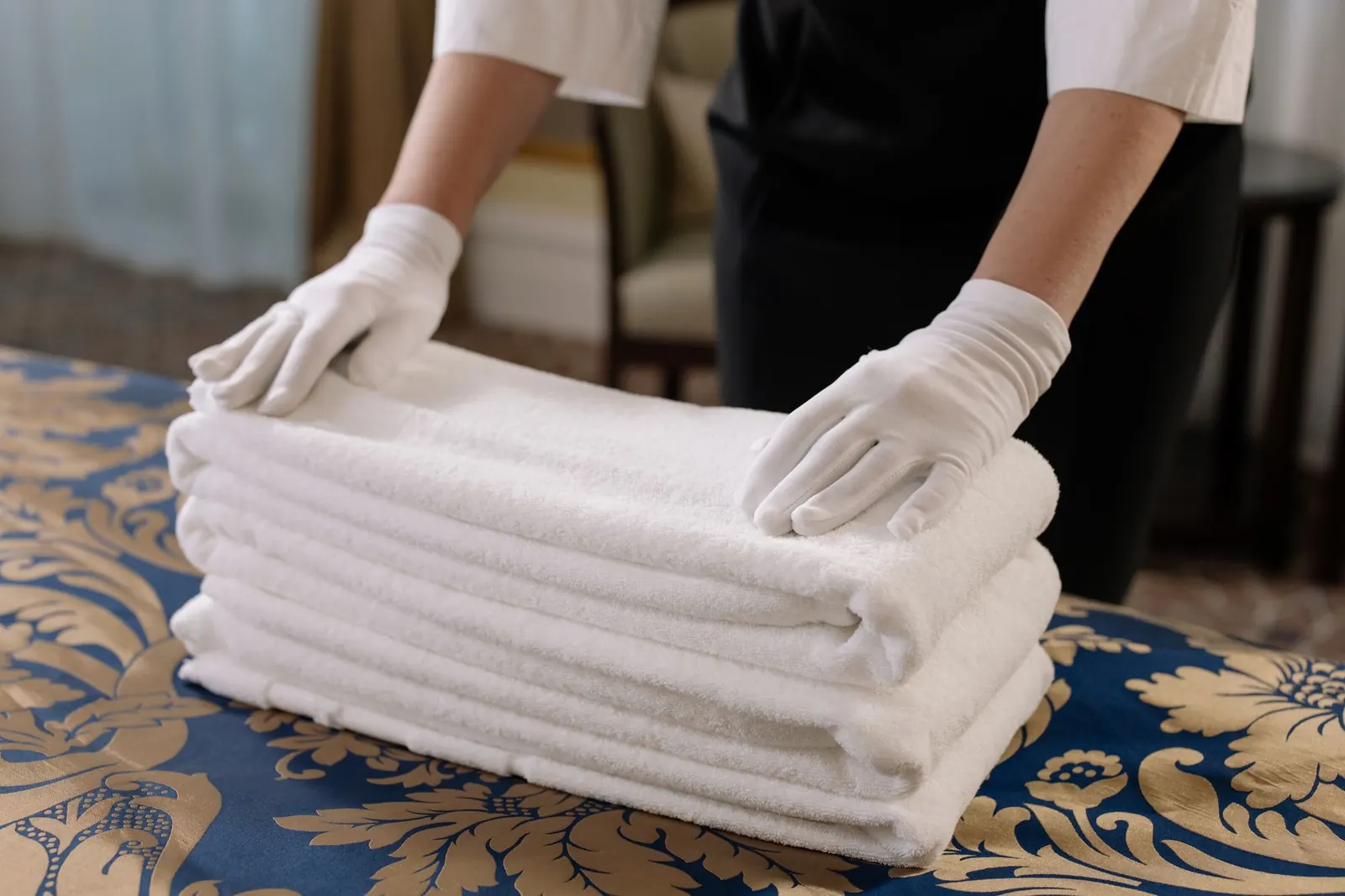
Let commercial customers charge tickets to an account with payment terms, send a monthly statement by e-mail or print, and record payments against the balance.
Tickets for account customers are charged to the account at checkout.
Set terms in days per customer; overdue balances stand out.
Print or e-mail a statement listing every charge and payment.
Record a check or transfer and it is applied to the account.
Give the account its own prices or a standing discount.
Combine with weekly standing pickups for routine collections.
Part of every CleanerHawk account. Turn it on in Settings and it fits into the rest of the day.
Mark the customer as a house account and set terms.
Tickets go on the account instead of being paid.
Send the statement and record payments.
Used most by:
Related reading:
Yes. Any ticket can be paid normally instead of charged to the account.
Yes. Every charge and payment in the period is listed with the running balance.
Yes. Combine accounts with recurring pickups and deliveries.
Also in Growth: Promo codes & gift cards, E-mail marketing & automations, AI assistant
Customers book a pickup window from their phone.
CounterCash with change and an open drawer, cards on a reader, a link the customer pays from their phone, or a saved card charged automatically when the order is ready.
ManagementPick any range and see how it compares with the one before: what came in, what sold, when you are busiest, how fast orders turn around and what is still owed.
A short call, your price list loaded, and an honest answer on whether it fits your shop. Month to month, and your data exports any time.