
Computer or tablet
Any Windows PC, Mac, iPad or Android tablet with a current browser. Install it as an app from the browser menu so it opens like a program. A 10-inch or larger touch screen works well at the counter. Related feature
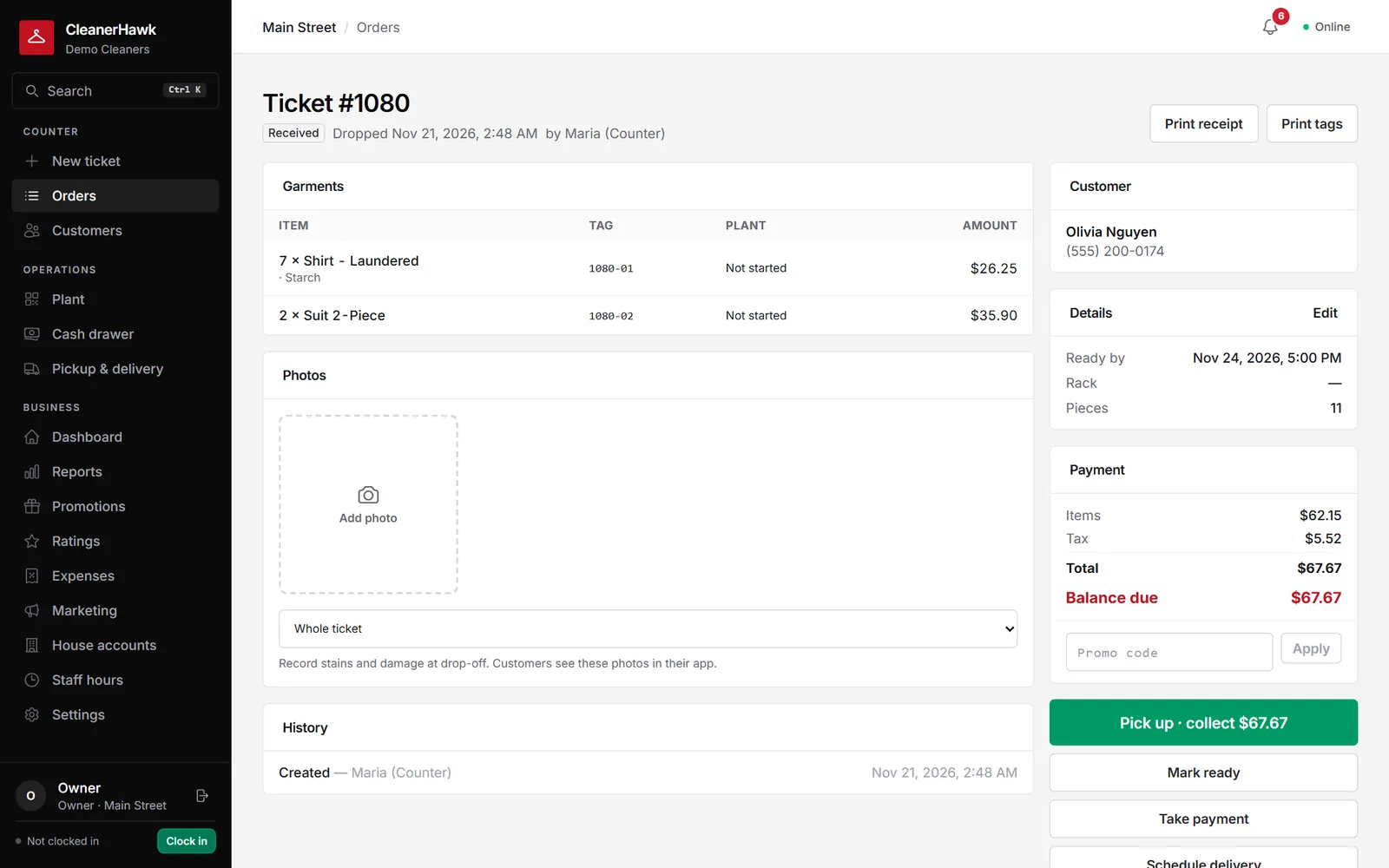
No proprietary terminals. CleanerHawk runs in the browser and prints through a small free helper, the Print Bridge, on the counter PC. Keep the printers and drawer you have if they speak ESC/POS.
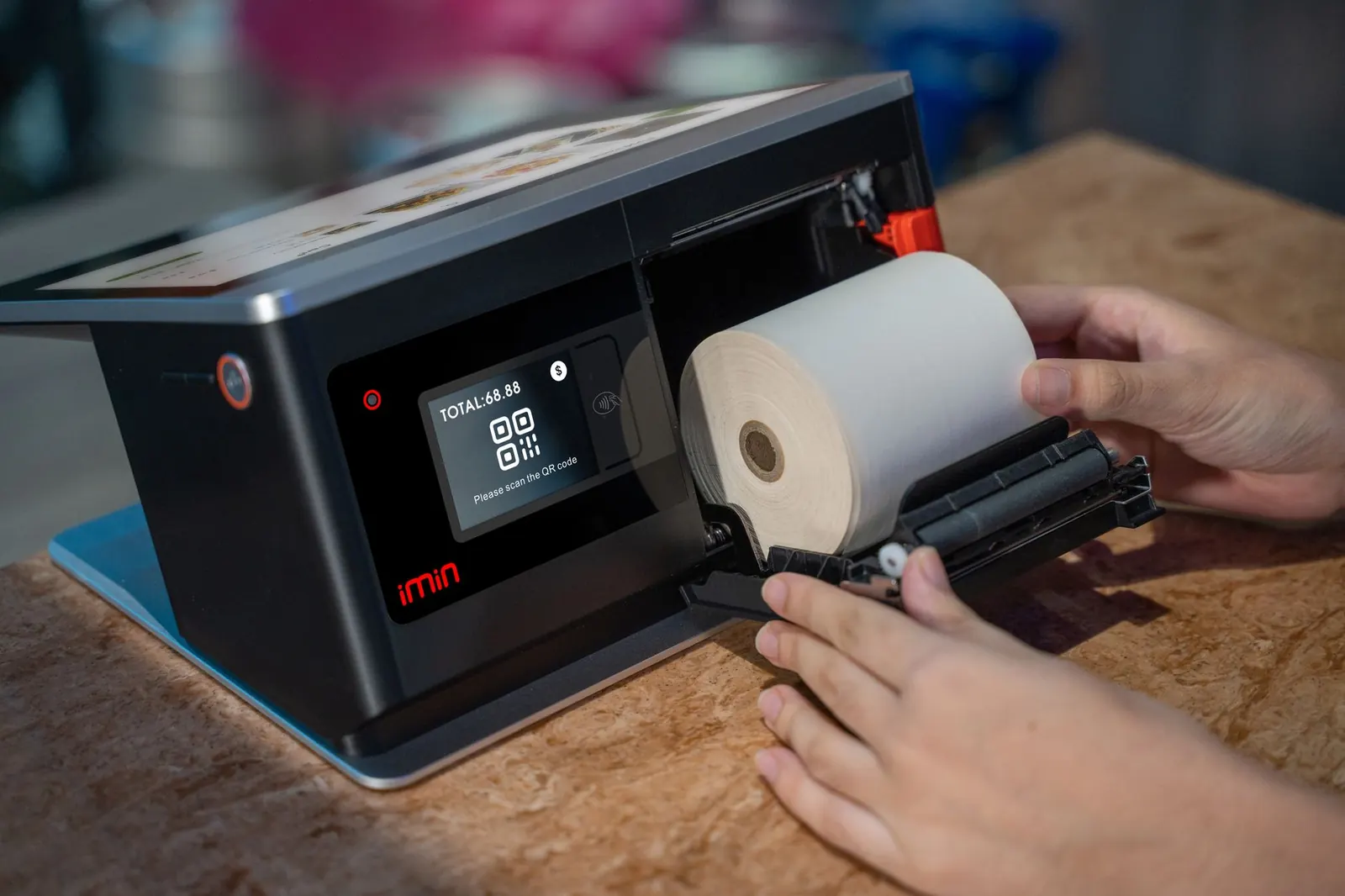
Start with a computer and the browser print dialog; add printers, a drawer and a scanner when you are ready. Nothing here is required on day one.
Any Windows PC, Mac, iPad or Android tablet with a current browser. Install it as an app from the browser menu so it opens like a program. A 10-inch or larger touch screen works well at the counter. Related feature
80 mm thermal receipt printers that support ESC/POS, connected by USB or network (for example the Epson TM-T series). Receipts and end-of-day reports print here. Related feature
A second ESC/POS printer for garment tags, thermal or impact (the Epson TM-U220 impact printer is a common choice for tags). One tag per garment, with barcode and ticket number. Related feature
A standard printer-driven drawer with an RJ11/RJ12 cable into the receipt printer. It opens by itself on cash sales. Related feature
Any USB or Bluetooth scanner that types into the computer (keyboard mode). One at the counter for pickups and one per plant station. A tablet camera also works. Related feature
Stripe Terminal smart readers, the BBPOS WisePOS E or the Stripe Reader S700, on Wi-Fi or ethernet. Pair it to a register and the counter sends the amount. Related feature
Any recent Android phone or iPhone. Drivers sign in and see only their route, with navigation links. Related feature
The tablet or phone camera, or a webcam on the counter PC, for stain and damage photos at intake. Related feature
Browsers ask before they print. The Print Bridge is a small program for the counter PC that prints tickets, tags and reports straight to your printers and opens the cash drawer. It installs with one command from Settings, Hardware and starts with Windows.
A short call, your price list loaded, and an honest answer on whether it fits your shop. Month to month, and your data exports any time.