
Customers use more than one store
A customer drops off near home and picks up near work. If each store keeps its own records, nobody can find the order.
Each new store adds more people, more cash and more ways for things to slip. CleanerHawk puts every location under one account, so you can see each store on its own and all of them together.
Problems we hear from multiple locations, and the reason each part of CleanerHawk exists.
A customer drops off near home and picks up near work. If each store keeps its own records, nobody can find the order.
When you are at one store, you need to know the others opened on time, counted their drawers and followed the rules.
Without the same reports for every location, it is hard to tell which store is growing and which needs attention.
Garments often travel from a drop store to a central plant and back. Tracking them by paper list is slow and error-prone.
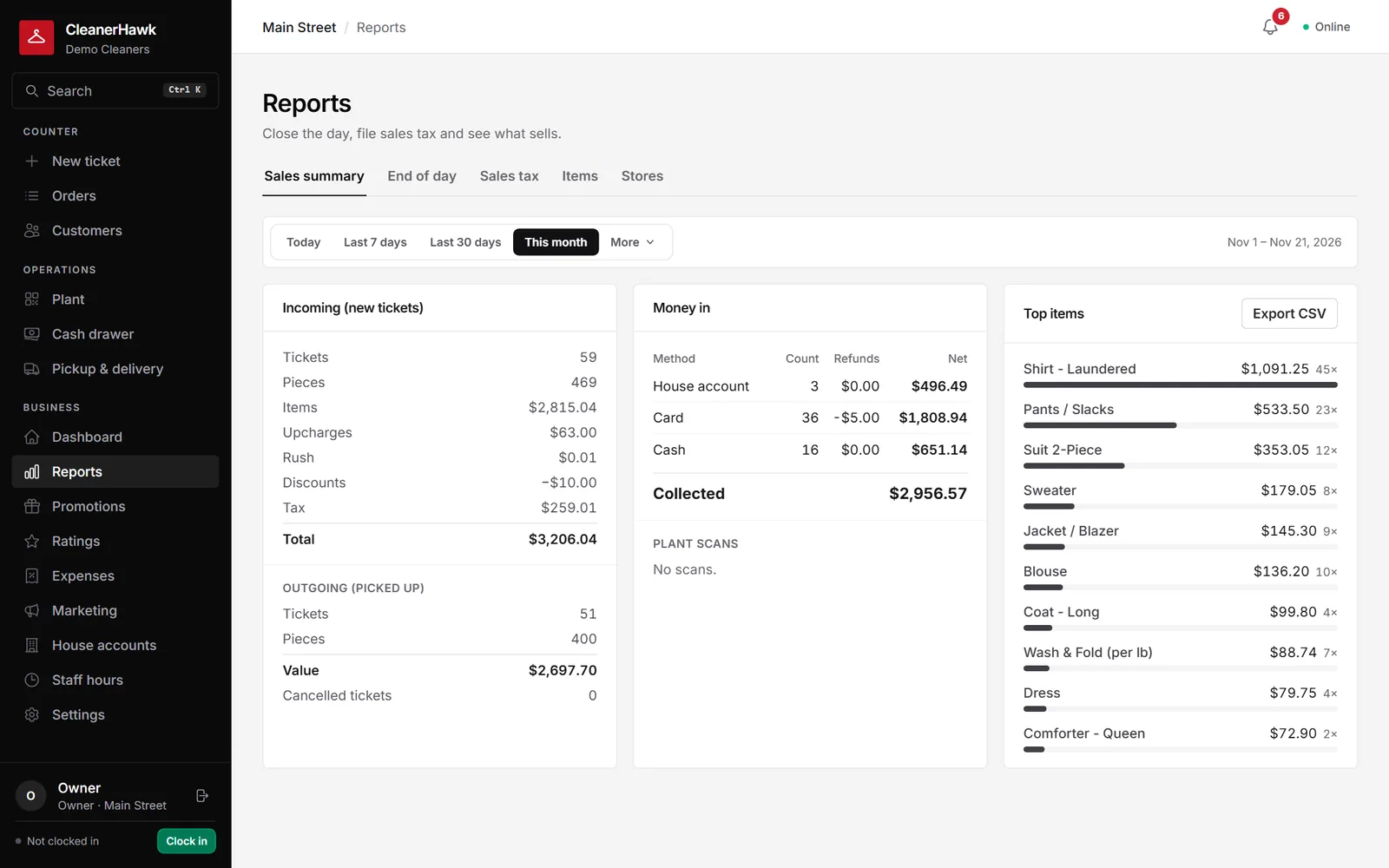
Customers are shared across your stores, so they can drop at one and collect at another.
ManagementPick any range and see how it compares with the one before: what came in, what sold, when you are busiest, how fast orders turn around and what is still owed.
CounterEach register has its own drawer session.
ManagementEveryone signs in as themselves, sees what their job needs and nothing more, and clocks in from the same screen.
Plant & deliveryEach tag is scanned as it moves from cleaning to pressing to assembly.
CustomersEach customer has one page with everything: preferences, notes, open tickets, history, what they usually bring and how often they come in.
Other businesses we work with:
Yes. A customer profile, with preferences and history, is available at every store on the account.
Yes. Reports and drawers are per store, and the store comparison report puts them side by side.
Yes. Roles such as owner, manager, counter, plant and driver each come with their own permissions.
No. Each counter keeps working offline and syncs when the connection returns.
A short call, your price list loaded, and an honest answer on whether it fits your shop. Month to month, and your data exports any time.