
Segments ready to use
Everyone, new, regulars, top spenders, lapsed and reward holders, with counts before you send.
Pick a group of customers, write a message (or let the assistant draft one), send a test, and send. Automations keep working in the background.
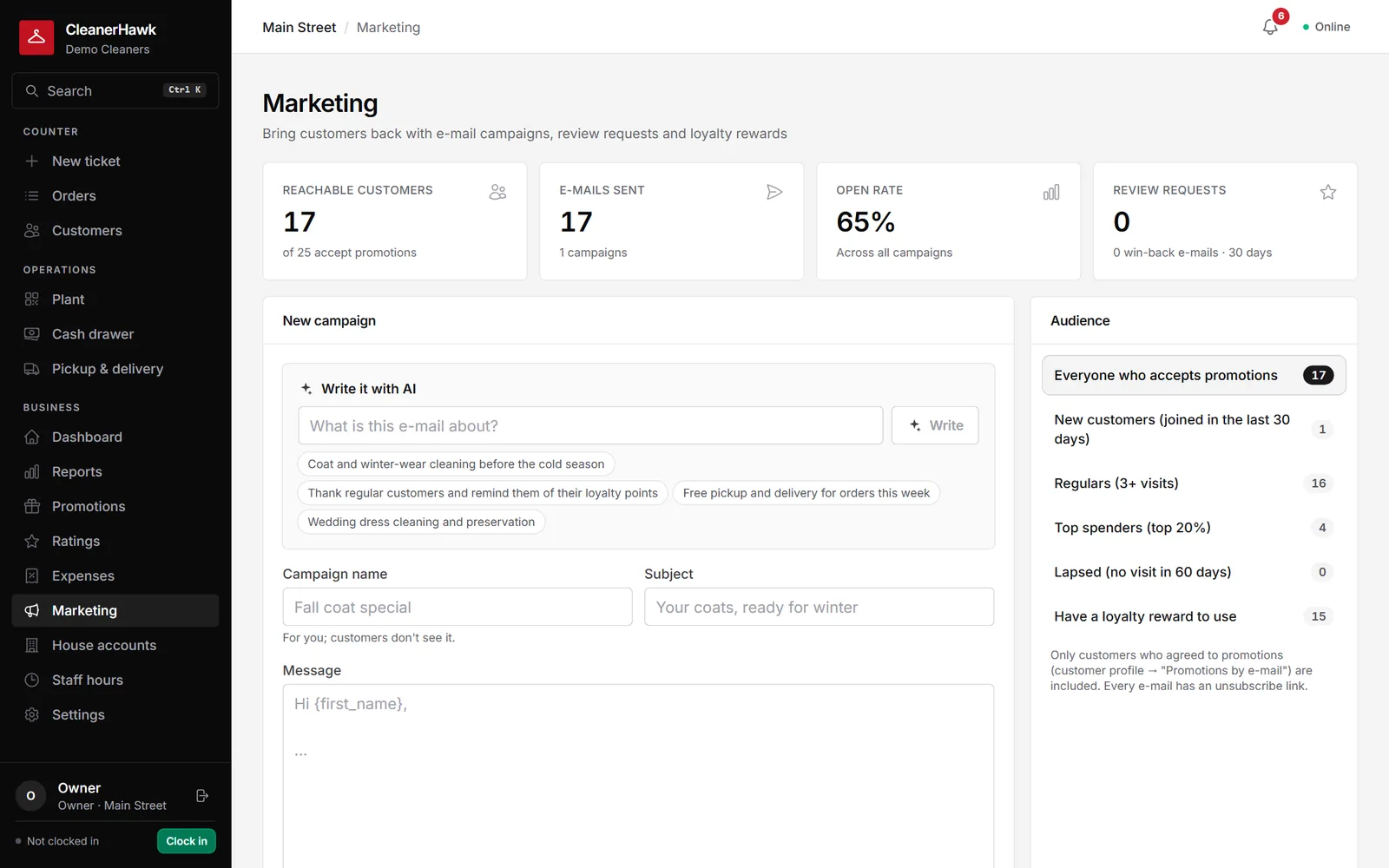
Send campaigns to segments like regulars or lapsed customers, draft them with AI, and run automations for reviews, win-backs and uncollected orders.
Everyone, new, regulars, top spenders, lapsed and reward holders, with counts before you send.
Describe the offer and the assistant writes a short, friendly e-mail you can edit.
Send a test to yourself before it goes to customers.
Customers who have not been in for a while get a welcome-back message.
Ask for a rating after pickup and route happy customers to Google.
Orders waiting on the rack are reminded automatically.
Part of every CleanerHawk account. Turn it on in Settings and it fits into the rest of the day.
Pick a segment.
Draft, edit and send a test.
See how many were sent; customers who opt out are never e-mailed.
Used most by:
Related reading:
No. Campaigns and automations are part of CleanerHawk.
Only customers with an e-mail address who accept promotions.
Yes. The assistant only drafts; you edit before sending.
Also in Growth: Promo codes & gift cards, House accounts, AI assistant
Each customer has one page with everything: preferences, notes, open tickets, history, what they usually bring and how often they come in.
CustomersA one-tap rating after pickup tells you how every order went.
GrowthRun a first-visit offer, a seasonal discount or an apology, without staff guessing at the counter.
GrowthFour practical uses, each where it helps: on the dashboard, in the plant, in marketing and in the customer app.
A short call, your price list loaded, and an honest answer on whether it fits your shop. Month to month, and your data exports any time.