
Moving from SPOT to CleanerHawk
Most of the move is your customer list and your prices. You keep using SPOT while you set up CleanerHawk, and switch over when you are ready.
How it works, step by step.
Your old system keeps running until you decide to stop. Most of the work is your customer list and your prices.
Export your customers
Most systems, including SPOT, let you export your customer list to a CSV or Excel file. Check the export or reports screen, or ask their support for an export.
Preview and import
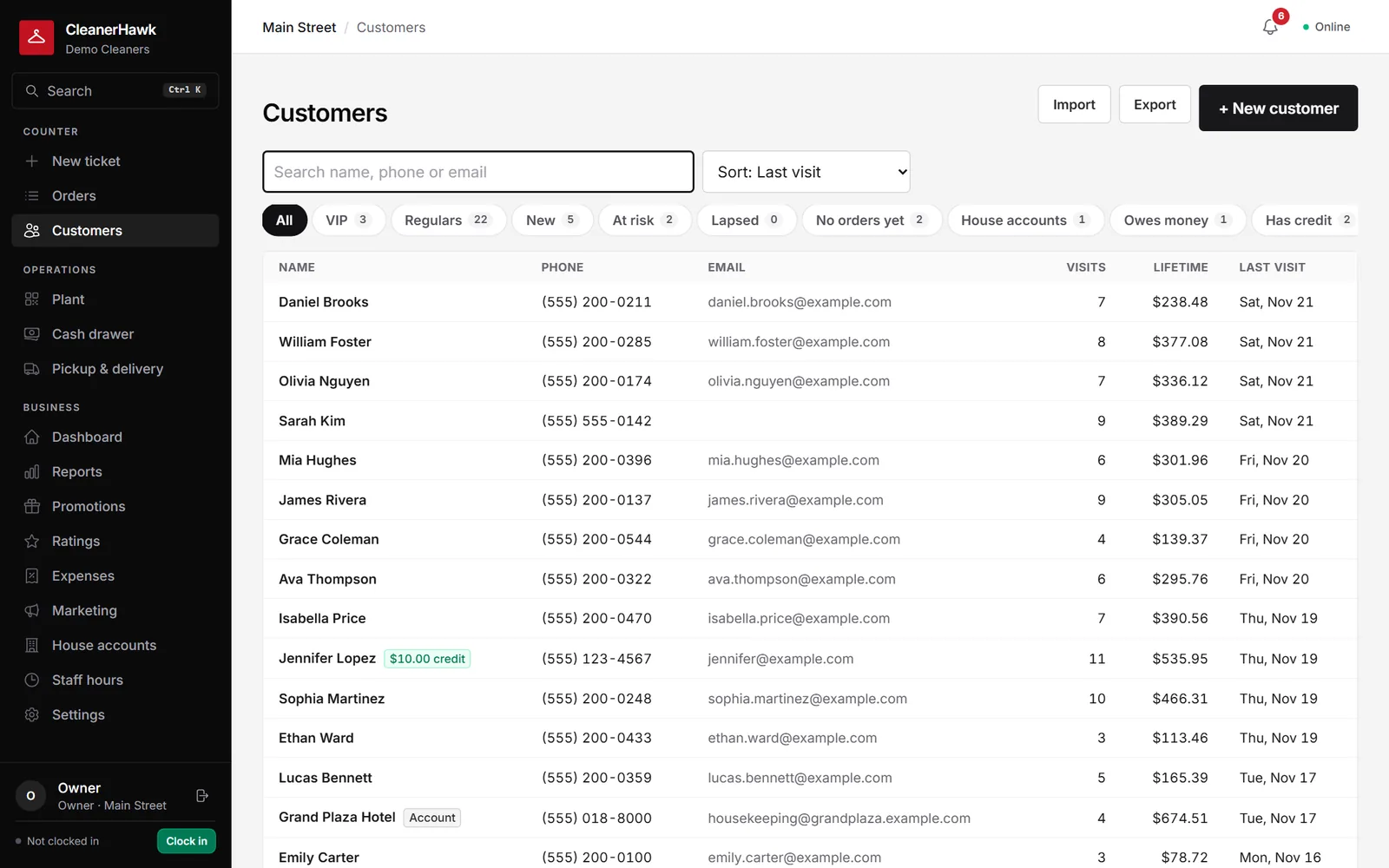
Upload the file to CleanerHawk and check the preview. Columns like Name or First/Last name, Phone, E-mail, Address, City, State, ZIP, Notes and Starch are recognised automatically. Duplicates are skipped.
Import ticket history if you have it
If you can export past tickets, import them with columns such as Ticket #, Date in, Date out, Customer, Phone, E-mail, Pieces, Total and Description.
Set up items, staff and hardware
Add your items and prices, staff and roles, registers, printers and card readers.
Run both for a few days
Write new tickets in CleanerHawk and finish open tickets in SPOT.
Switch over
Once the last open SPOT tickets are picked up, run everything in CleanerHawk.
What moves, and how.
- CustomersFrom a CSV or Excel export: name, phone, e-mail, address, city, state, ZIP, notes and starch preference.
- Ticket historyIf you have an export: ticket number, dates, customer, pieces, total and description. Counts towards visits and lifetime spend.
- PricesRe-entered in CleanerHawk, or set up with our help from your price list.
- Open ticketsFinish them in SPOT.
- Gift cards and store creditAdd remaining balances manually as store credit on each customer.
Switch-week checklist
- Export customers from SPOT to CSV or Excel
- Export ticket history if available
- Print or save your current price list
- Import and check the preview
- Set up staff, registers and printers
- Note gift card and credit balances
- Pick a switch-over day
About switching from SPOT
Other guides:
Where do I find the export?
Check the export or reports screen in SPOT, or ask their support for a customer export as CSV or Excel.
Do my column names need to match exactly?
No. Common names like Name, First and Last name, Phone, E-mail, Address, City, State, ZIP, Notes and Starch are recognised automatically, and you see a preview before importing.
Can I import more than once?
Yes. Duplicates are skipped, so re-importing a corrected file is safe.
Can I keep using SPOT during setup?
Yes. Keep using it until you are ready to switch.