
Opening float
Start the day with the float in the drawer; it is part of the expected count.
Each register has its own drawer session. At closing the system tells you what should be there, you count what is there, and the difference is recorded with a note.
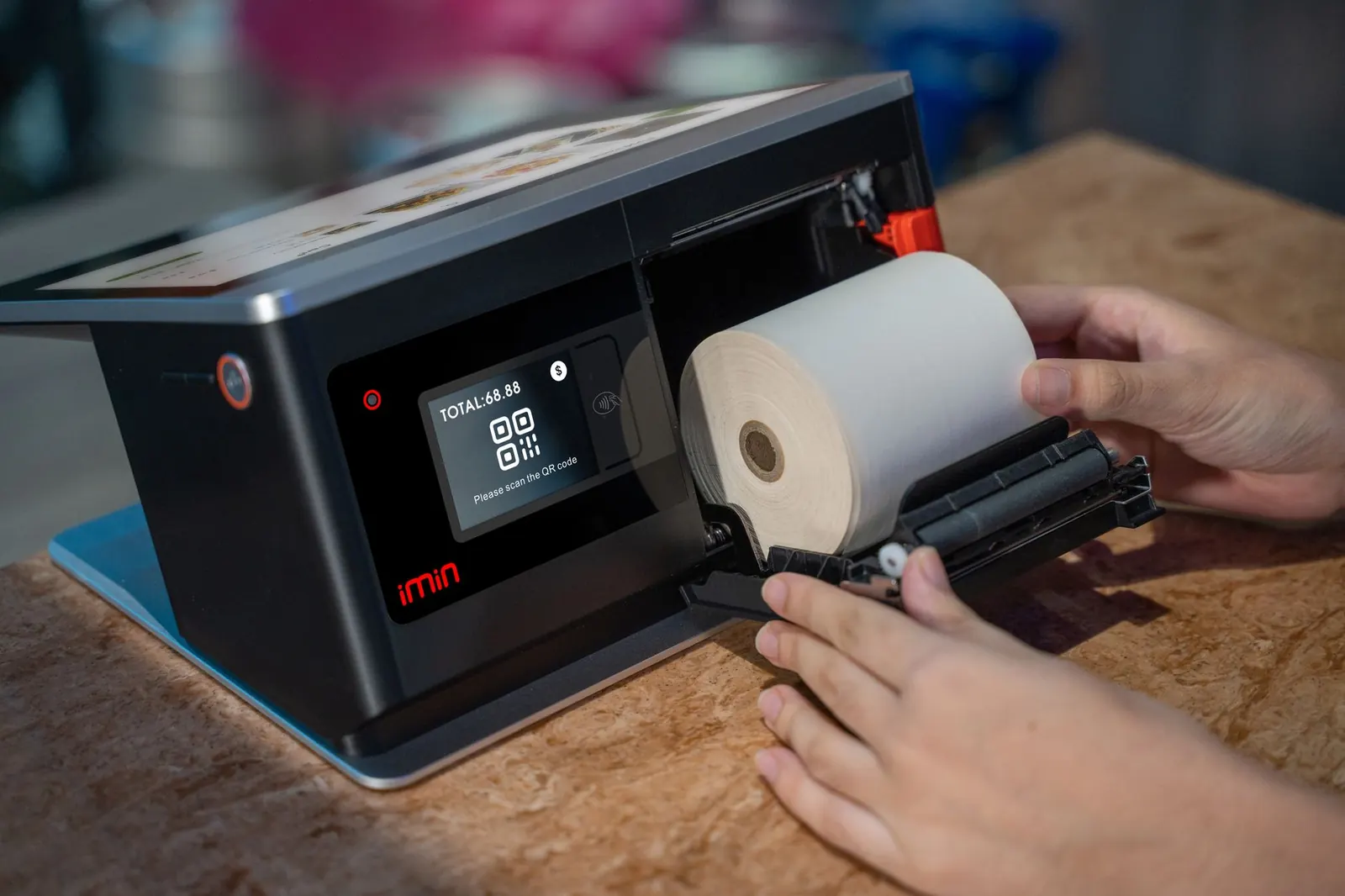
Open the drawer with a float, record cash in and out, count at close and see expected versus counted, then print the end-of-day Z report for the store.
Start the day with the float in the drawer; it is part of the expected count.
Petty cash, change runs and bank drops are recorded with a reason and the person who did it.
Enter the counted cash; the variance is saved and flagged if the drawer is short or over.
Sales, payments by method, refunds, gift cards sold, promo codes used, open balances and every drawer of the day.
Print it on the receipt printer or a normal printer for the binder.
Short drawers show in the activity log, and the end of day for any past date is one click away.
Part of every CleanerHawk account. Turn it on in Settings and it fits into the rest of the day.
Enter the starting float when the first person signs in.
Cash payments, change and cash-outs are tracked automatically.
Count at close, add a note if needed, and print the end-of-day report.
Used most by:
Related reading:
Yes. Each register has its own drawer session and the end-of-day report lists them all.
Yes. Pick any date in Reports, End of day.
With the Print Bridge and a drawer connected to the receipt printer, it opens on cash sales.
Also in Counter: Counter POS, Garment tags & barcodes, Quick drop, Payments, Works offline
Cash with change and an open drawer, cards on a reader, a link the customer pays from their phone, or a saved card charged automatically when the order is ready.
ManagementPick any range and see how it compares with the one before: what came in, what sold, when you are busiest, how fast orders turn around and what is still owed.
ManagementEveryone signs in as themselves, sees what their job needs and nothing more, and clocks in from the same screen.
A short call, your price list loaded, and an honest answer on whether it fits your shop. Month to month, and your data exports any time.