
The Dry Cleaning End-of-Day Checklist for Closing the Counter
The last half hour of the day decides how the next morning starts. A consistent closing routine catches cash mistakes while they are still easy to explain, keeps tickets accurate and leaves the counter ready to open. This checklist covers the steps most dry cleaners follow, in the order that works best.
Published · CleanerHawk
Why a fixed closing routine matters
When closing depends on who is working, small problems slip through: a drawer that is short by a few dollars, a ticket rung up twice, a rush order that never made it to the plant. One at a time they seem minor. Over a month they add up to real money and real customer complaints.
A written checklist, followed the same way by every closer, turns closing into a ten- to twenty-minute job and makes problems visible on the day they happen. Print it, keep it by the register and have the closer initial it each night.
Step 1: Finish and check today's tickets
Before touching the drawer, make sure the day's ticket records are complete:
- Itemize every quick drop received today, or confirm it is scheduled to be itemized first thing tomorrow.
- Check for unpaid pickups. Any order released today without full payment should be either charged to a house account or flagged for follow-up.
- Review voids and refunds. Each one should have a reason. Unexplained voids are the first thing to look at if the drawer does not balance.
- Confirm rush and next-day orders are in the plant with the correct ready-by date.
An activity log of refunds, price changes and voids, tied to the staff member who made them, makes this review quick and keeps everyone accountable.
Step 2: Count the cash drawer
Count the drawer away from the counter, ideally with no customers in the shop. Follow the same order every night:
- Remove the starting float and set it aside for tomorrow.
- Count the remaining cash by denomination, coins and bills separately.
- Add any recorded cash paid out during the day, such as petty cash for supplies, with its receipt.
- Compare the counted amount with what the system expects.
- Record the variance, even when it is zero.
Using cash drawer and end-of-day tools, you open each day with a float, record cash in and out as it happens, and enter the count at close. The system shows expected versus counted and the variance automatically, so nobody has to do the arithmetic by hand at the end of a long day.
Step 3: Investigate variances the same day
A small variance now and then is normal: a miscounted coin, change given wrong during a rush. A variance that repeats, or one that is large, needs attention. The best time to find the cause is the same evening, while people still remember the day.
Common causes include:
- A card payment rung up as cash, or cash rung up as card
- A payout taken from the drawer but not recorded
- Change given from the wrong drawer when more than one is in use
- A refund paid in cash but recorded to a card, or the other way around
Set a threshold, such as a few dollars, above which the closer must write a note and the owner or manager is informed. Track variances by person and by day; a pattern says more than any single night.
Step 4: Run and file the Z report
The end-of-day or Z report is the official summary of the day. It closes the day's totals and typically shows:
- Total sales and number of tickets
- Payments by type: cash, card, gift card, store credit, house account
- Discounts, refunds and voids
- Sales tax collected
- Expected and counted cash, and the variance
Print it or save it, and keep it with the deposit records. Check that card totals on the report match the card terminal's batch for the day. If they differ, find out why before the next business day. Your reports should also let you look back at any day's end-of-day summary later, which helps at tax time and during any review of a disputed day.
Step 5: Prepare the deposit
Separate the cash going to the bank from the float staying in the drawer. Fill in a deposit slip, note the amount on the Z report and seal the deposit in a bag. Two people should ideally verify the amount if your staffing allows.
Decide on a deposit schedule and stick to it. Daily deposits limit the cash kept on site. If you deposit less often, store cash in a safe and keep a running log of each day's amount so deposits can be matched back to Z reports.
Step 6: Set up for tomorrow
The last few minutes are for the morning crew:
- Return the float to the drawer or safe, counted and ready.
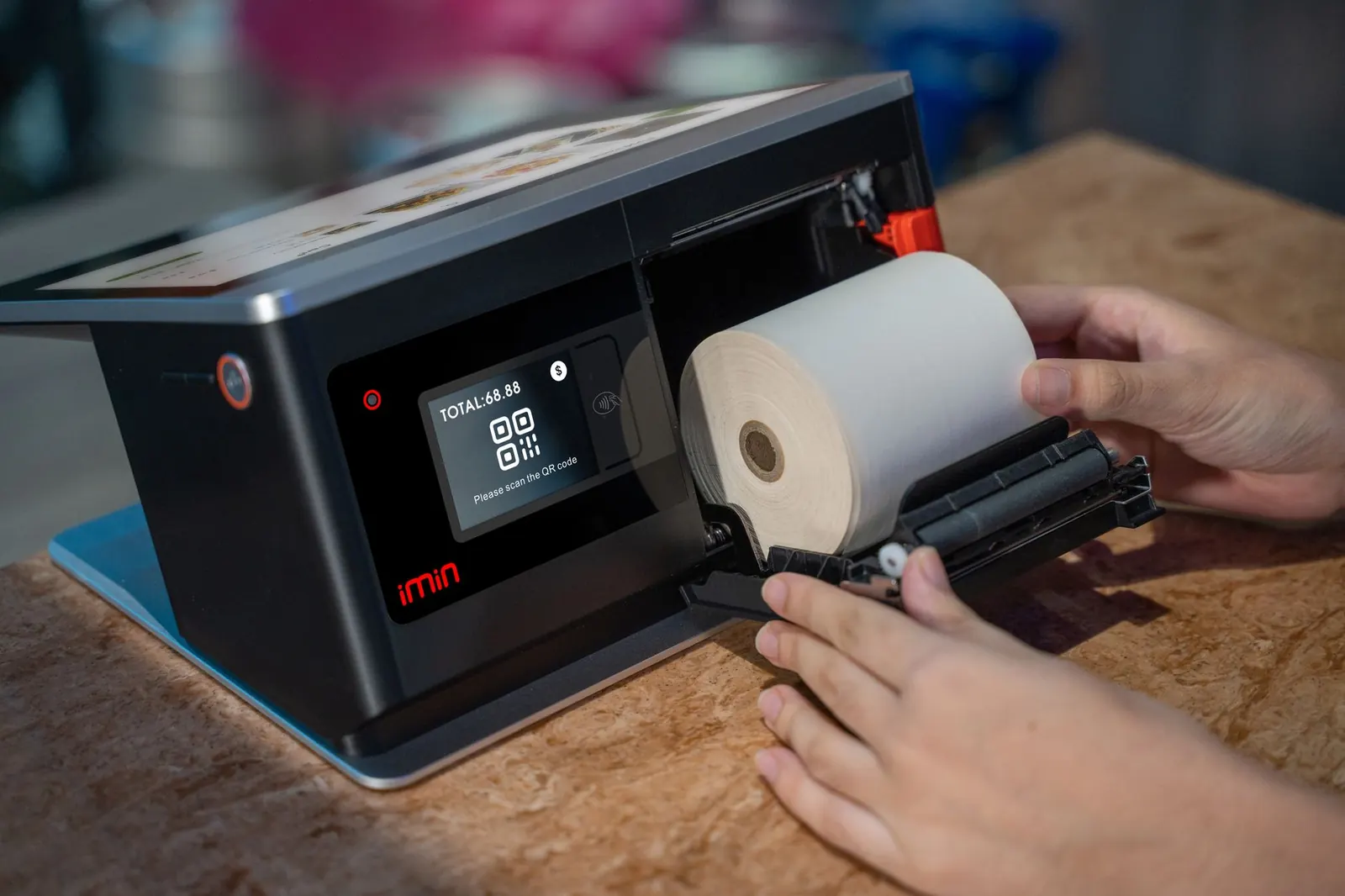
- Restock receipt paper, tag stock and bag tags at the counter.
- Check which orders are promised for tomorrow and whether they are ready or on track in the plant.
- Note any customer calls to return or promises made during the day.
- Clock out every staff member so hours are recorded correctly for payroll.
Leaving a short handover note avoids the morning scramble. "Ticket 1042, wedding gown promised for 10 a.m., still in pressing" saves a phone call and a disappointed customer.
Step 7: Review weekly, not just daily
Once a week, the owner or manager should look at the week as a whole: total variances, refunds and voids by staff member, payment mix and any days that did not close cleanly. Weekly review turns the daily checklist into useful information about how the business is running.
It is also a good moment to check the rack for orders that have been ready for a long time. Our guide to reducing unclaimed garments covers what to do with them.
Common questions
What is a Z report?
A Z report is the end-of-day summary that closes the day's totals: sales, payments by type, refunds, tax and the cash drawer count. It is kept as the official record for that day.
How much cash should I leave in the drawer overnight?
Only the float you need to open the next morning, and ideally that should be stored in a safe. Everything else should go into the deposit.
What should I do if the cash drawer does not balance?
Recount first, then check voids, refunds, payouts and payments recorded under the wrong type. Write a note explaining the variance and flag it to the owner if it is above your set threshold.