
A tag for every piece
A three-piece suit gets three tags, numbered 1 of 3, 2 of 3 and 3 of 3, all carrying the ticket number.
Every garment gets its own numbered tag the moment the ticket is saved. The plant scans it, the assembler finds the rest of the order, and nothing gets mixed up.
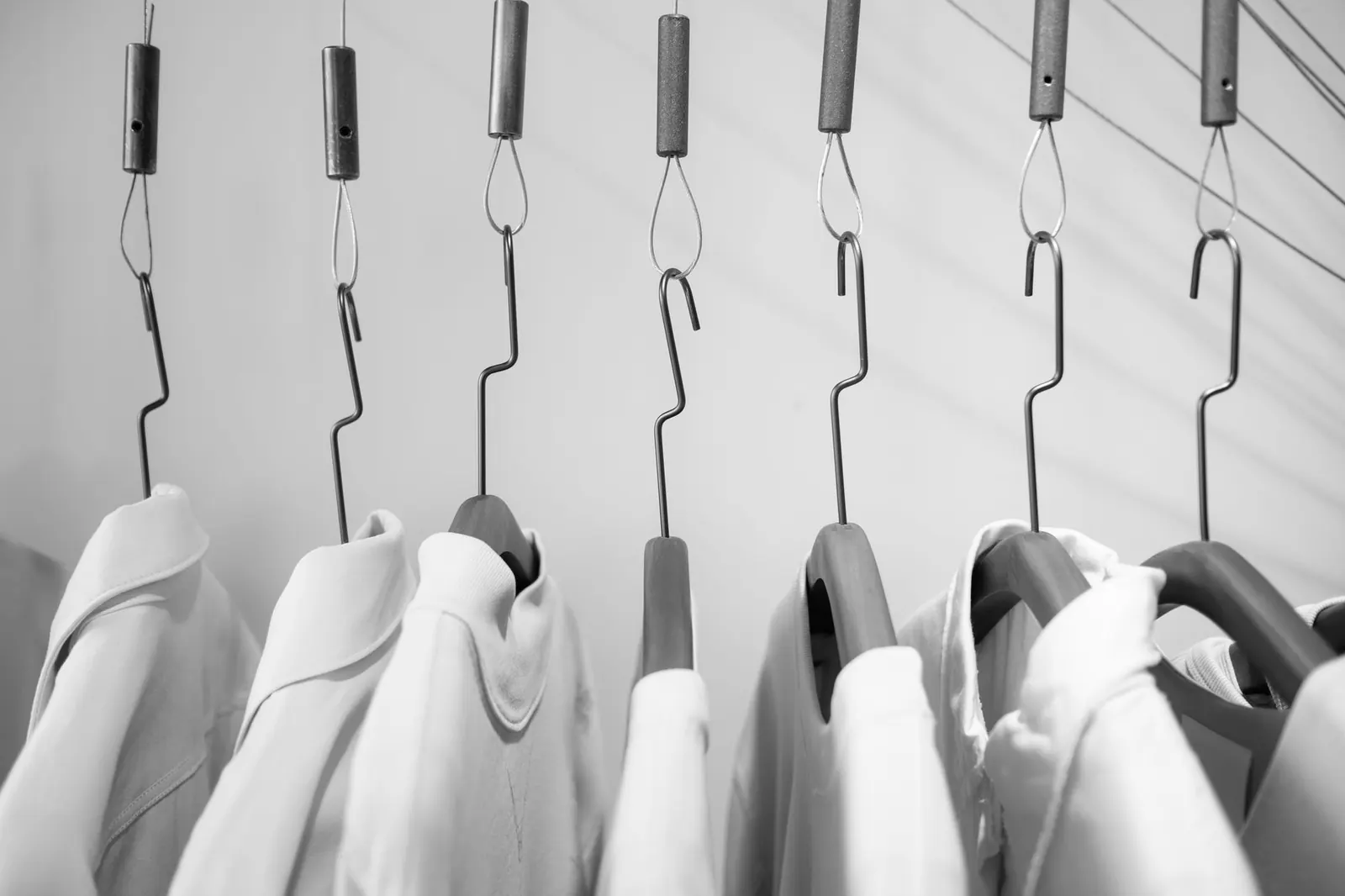
Print a barcode tag for every garment on thermal tag printers, plus receipts and bag tags, so each piece can be scanned through the plant and found on the rack.
A three-piece suit gets three tags, numbered 1 of 3, 2 of 3 and 3 of 3, all carrying the ticket number.
Prints to standard ESC/POS receipt and tag printers through the free Print Bridge on the counter PC.
Customer receipt and tags print together; reprint either from the ticket at any time.
Bags left at the counter get their own tag, so the bag can be matched to the ticket before itemizing.
Large ticket number, customer name, item, colour and rush flag, so staff can work without a scanner.
The drawer connected to the receipt printer opens by itself when cash is taken.
Part of every CleanerHawk account. Turn it on in Settings and it fits into the rest of the day.
One command from Settings, Hardware sets up the small helper on the counter PC and starts it with Windows.
Choose the receipt printer and the tag printer for each register.
Tags and the receipt print automatically; staff attach the tags and the garments go to the plant.
Used most by:
Related reading:
Thermal printers that speak ESC/POS, which covers the common receipt and tag printers used at dry cleaning counters. See the hardware page for what we recommend.
No, the browser print dialog works without it. The Print Bridge makes printing instant and silent and opens the cash drawer.
Yes. The barcode tag can go on the garment the way you work today; the barcode is what the plant scans.
Also in Counter: Counter POS, Quick drop, Payments, Cash drawer & end of day, Works offline
Each tag is scanned as it moves from cleaning to pressing to assembly.
CounterFind the customer, tap the garments, check out.
CounterBusy mornings, drop boxes and regulars in a rush: the customer leaves a bag, gets a ticket number and goes.
A short call, your price list loaded, and an honest answer on whether it fits your shop. Month to month, and your data exports any time.