
Moving from paper tickets and spreadsheets to CleanerHawk
If your shop runs on paper tickets, a notebook or a spreadsheet, getting started is mostly a matter of typing your customer list once. After that, the counter, tags and reports take over.
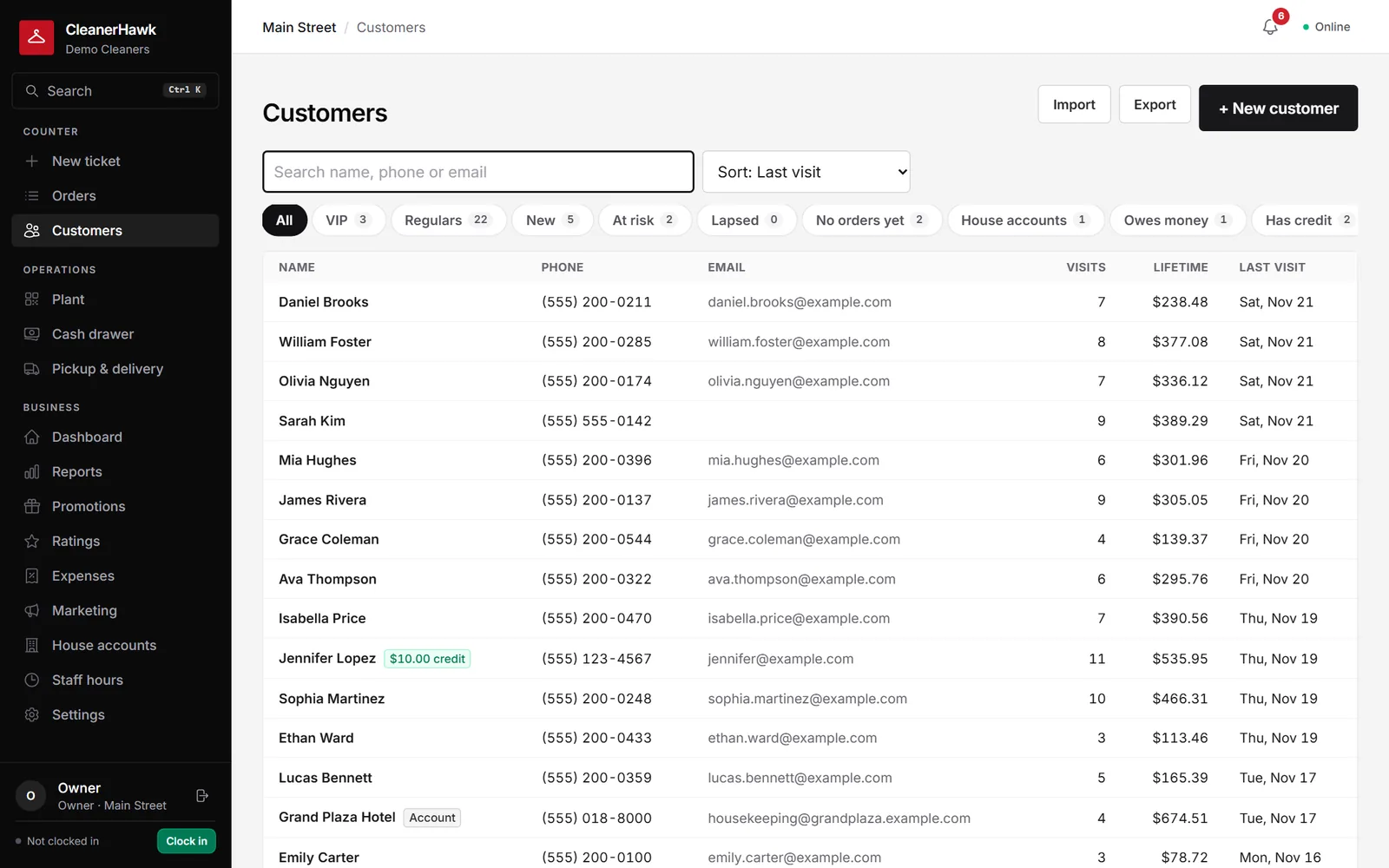
How it works, step by step.
Your old system keeps running until you decide to stop. Most of the work is your customer list and your prices.
Put customers in a spreadsheet
Type or scan your customer list into a spreadsheet with columns such as Name, Phone, E-mail, Address, City, State, ZIP, Notes and Starch. Save it as CSV or Excel.
Preview and import
Upload the file and check the preview. Columns are recognised automatically and duplicates are skipped, so you can add more later and import again.
Add history if you keep it
If you track tickets in a spreadsheet, import them with columns such as Ticket #, Date in, Date out, Customer, Phone, Pieces, Total and Description.
Set up items, staff and hardware
Enter your items and prices, add staff with roles and PINs, and connect receipt and tag printers.
Run both for a few days
Write new tickets in CleanerHawk and let paper tickets already out finish as usual.
Switch over
Once the last paper tickets are picked up, put the ticket book away.
What moves, and how.
- CustomersTyped into a spreadsheet and imported. You can also add customers at the counter as they come in.
- Ticket historyOnly if you keep it in a spreadsheet. Paper tickets stay on paper.
- PricesEntered from your price board or list, or set up with our help.
- Open ticketsFinish them on paper as usual.
- Gift certificates and creditAdd balances manually as store credit on each customer.
- House accountsSet up each account with its terms and any opening balance.
Switch-week checklist
- Type your customer list into a spreadsheet
- Write out your prices and upcharges
- Get a receipt printer and tag printer if needed
- Add staff and set their PINs
- Print a few test tickets and tags
- Note open tickets and any credit owed
- Pick a quiet day to start
About switching from Paper & spreadsheets
Other guides:
Do I have to type in every customer first?
No. You can import the regulars and add everyone else at the counter the next time they come in.
What hardware do I need?
A PC, Mac, iPad or Android tablet with a browser. A receipt printer, tag printer and card reader are optional but most shops use them. See the hardware page.
Is it hard for staff to learn?
The counter screen is built around tapping garments from a grid, so most staff pick it up quickly. Each person signs in with a PIN.
What if the internet goes down?
The counter keeps writing tickets offline and syncs when the connection is back.