
Ticket in five seconds
Pick the customer, enter the number of bags and an estimate of pieces if you like. The ticket number is theirs immediately.
Busy mornings, drop boxes and regulars in a rush: the customer leaves a bag, gets a ticket number and goes. The garments are counted and priced when there is time.
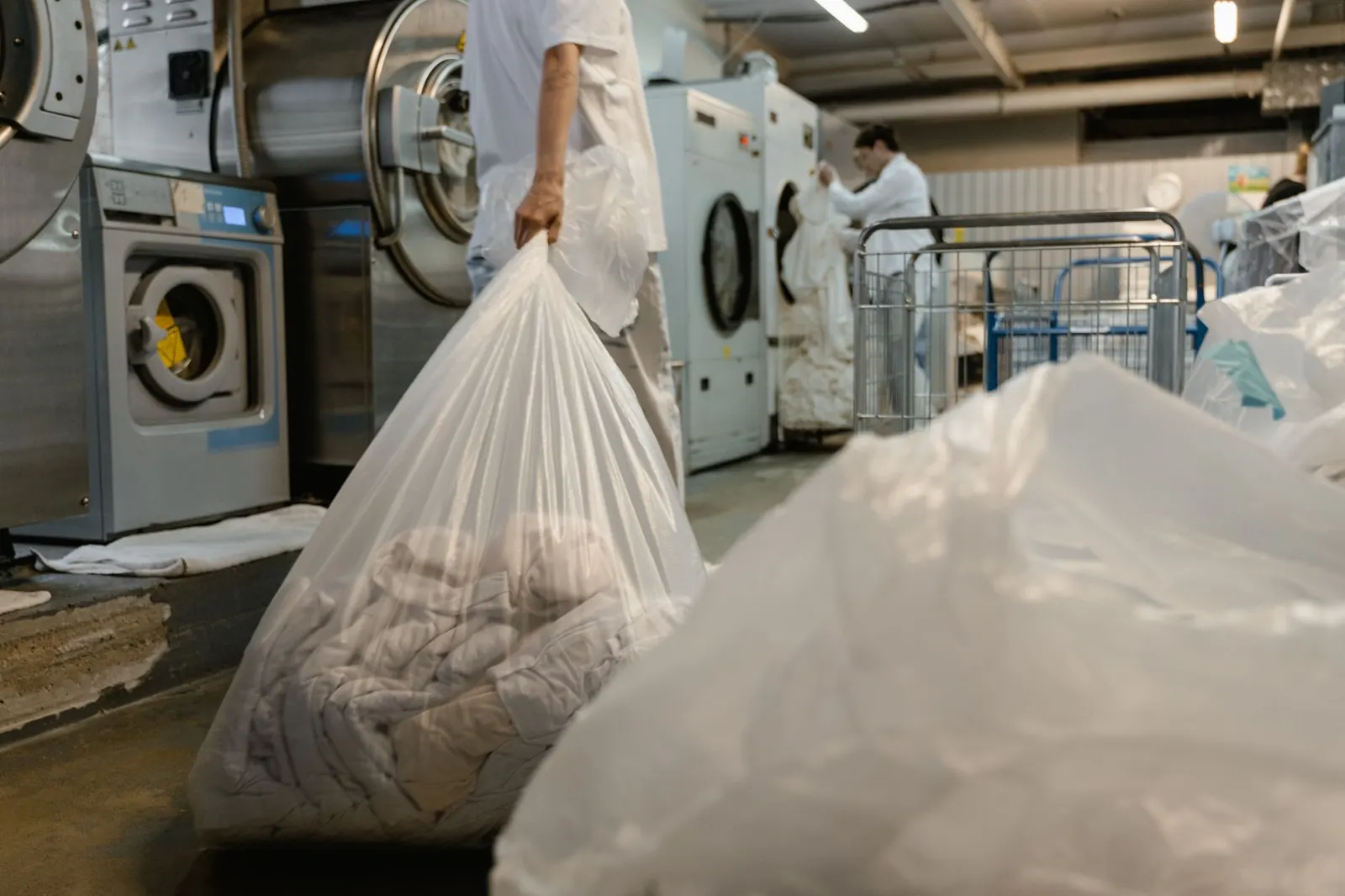
Let customers in a hurry drop a bag: print the ticket and bag tags straight away, then count, tag and price the garments later at the counter or in the plant.
Pick the customer, enter the number of bags and an estimate of pieces if you like. The ticket number is theirs immediately.
Bag tags print with the ticket number so bags are never mixed up before they are opened.
Open the bag at the counter later or in the plant, tap the garments and save. Each garment then gets its own tag.
The customer's price list, discount, tax and rush apply when the garments are entered, exactly like a normal ticket.
A quick drop cannot be marked ready, released or discounted before it is itemized. The bell shows bags waiting.
In the customer app the order shows as being counted until the garments are entered.
Part of every CleanerHawk account. Turn it on in Settings and it fits into the rest of the day.
Tap Quick drop, choose the customer and the number of bags.
Attach them and put the bags in the itemizing queue.
Open the bag, add the garments; tags print and the ticket continues as usual.
Used most by:
Related reading:
Yes. Bags collected on a route can be entered as quick drops and itemized when they reach the plant.
Once the garments are itemized the ticket has its real total; take payment at pickup, online, or with the card on file.
No. The ticket keeps the number printed on the bag tags.
Also in Counter: Counter POS, Garment tags & barcodes, Payments, Cash drawer & end of day, Works offline
A short call, your price list loaded, and an honest answer on whether it fits your shop. Month to month, and your data exports any time.