
Card readers
Stripe Terminal smart readers (WisePOS E and S700) work from any browser, including iPads, with no cables to the PC.
Cash with change and an open drawer, cards on a reader, a link the customer pays from their phone, or a saved card charged automatically when the order is ready.
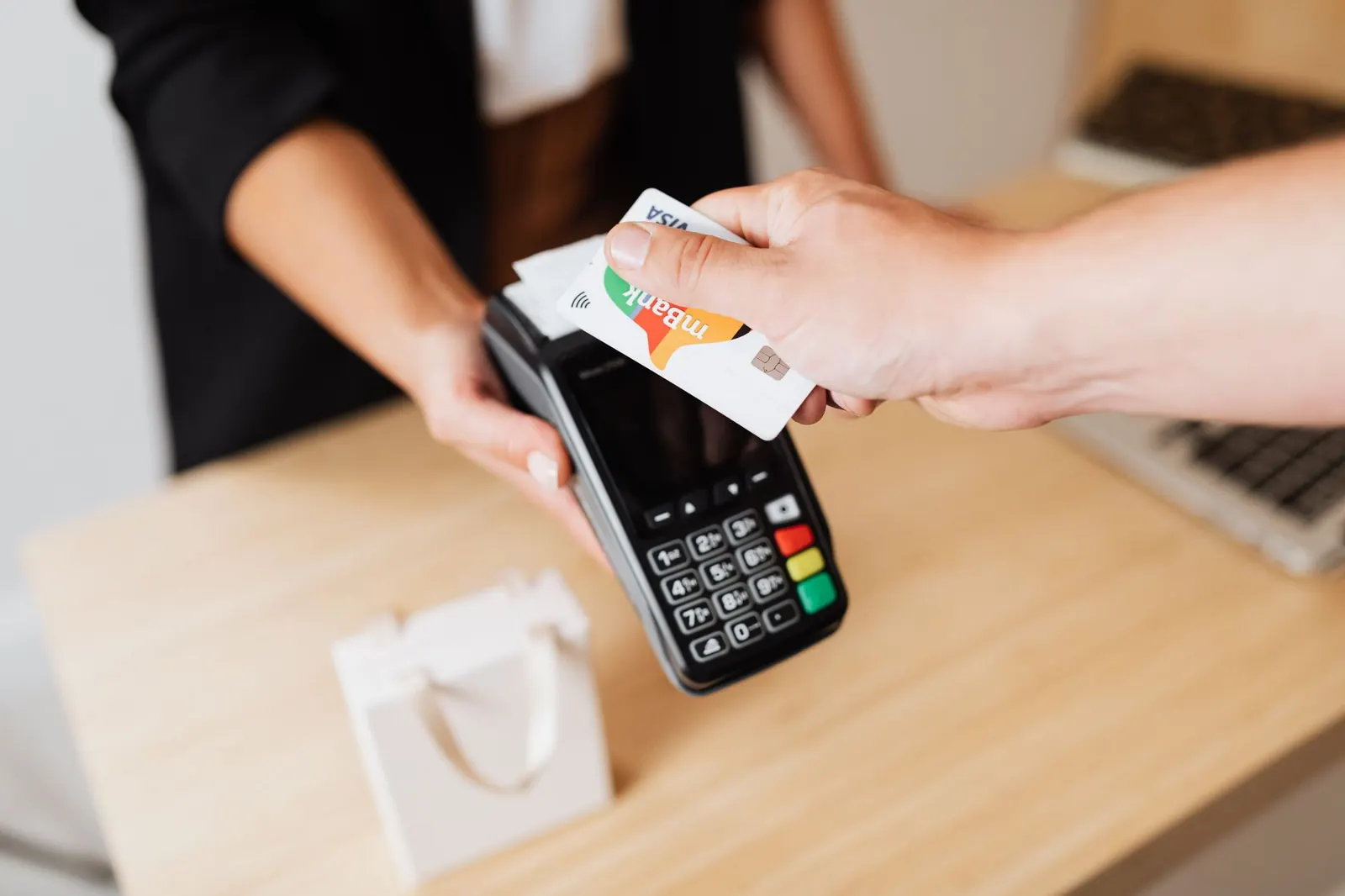
Cash, card readers, online payment links, card on file with autopay, gift cards, store credit and house accounts, with split payments and refunds.
Stripe Terminal smart readers (WisePOS E and S700) work from any browser, including iPads, with no cables to the PC.
Customers pay a balance from the customer app or the tracking link before they arrive.
The customer saves a card once on Stripe's secure page; tickets are charged when ready and pickup is grab and go.
Sell or give gift cards, spend them partially, and keep store credit from loyalty rewards or refunds.
Charge tickets to a hotel or company account and send one statement a month.
Pay part in cash and part by card; refunds are recorded against the original method with a reason.
Part of every CleanerHawk account. Turn it on in Settings and it fits into the rest of the day.
Add your own Stripe account in Settings, Payments. Card money goes straight to you.
Register a card reader to a register; the counter sends the amount to it.
Customers see a Pay button in their app and on the tracking page.
Used most by:
Related reading:
Cards are processed by Stripe on your own Stripe account. Card numbers never touch our servers; we keep only the brand and last four digits of saved cards.
The order still becomes ready. The decline is noted in the activity log and the balance stays to be collected at pickup.
You can record card payments taken on any terminal as card payments. Integrated readers are Stripe Terminal readers.
Also in Counter: Counter POS, Garment tags & barcodes, Quick drop, Cash drawer & end of day, Works offline
Each register has its own drawer session.
GrowthRun a first-visit offer, a seasonal discount or an apology, without staff guessing at the counter.
GrowthHotels, restaurants and offices do not pay at the counter.
CustomersEvery business gets its own customer app at its own link, and can publish a branded app in the stores.
A short call, your price list loaded, and an honest answer on whether it fits your shop. Month to month, and your data exports any time.